

Your team. Your wrist.
Customize your smartwatch for game day.
With a watch face that supports Riiiver, the live action appears on your wrist.
For Wear OS (Android) only
Three things, right on your wrist
See what matters at a glance — no need to pull out your phone.
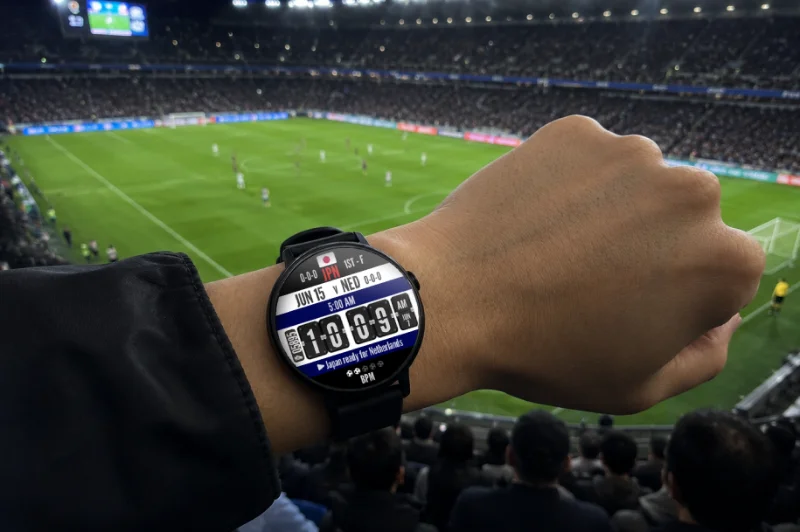
Real-time display
See the latest info from the season on your watch face in real time. One glance tells you what's happening.
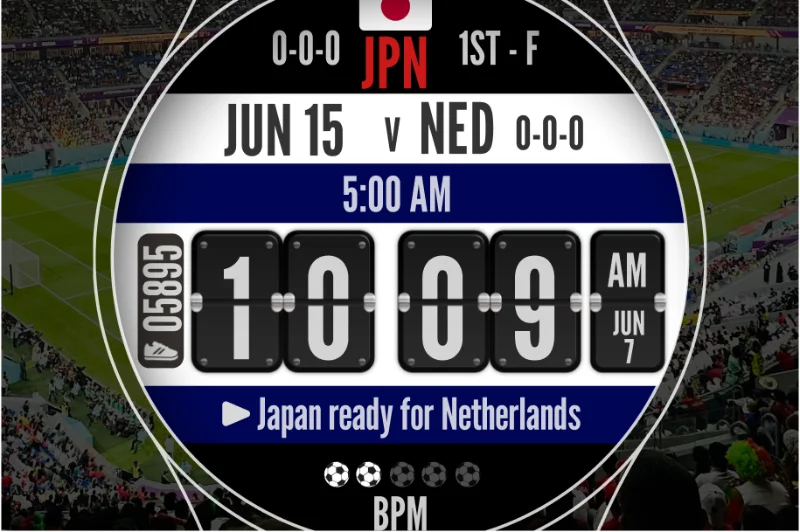
All on one face
Score changes, match highlights, and more — everything you care about, gathered on a single face.
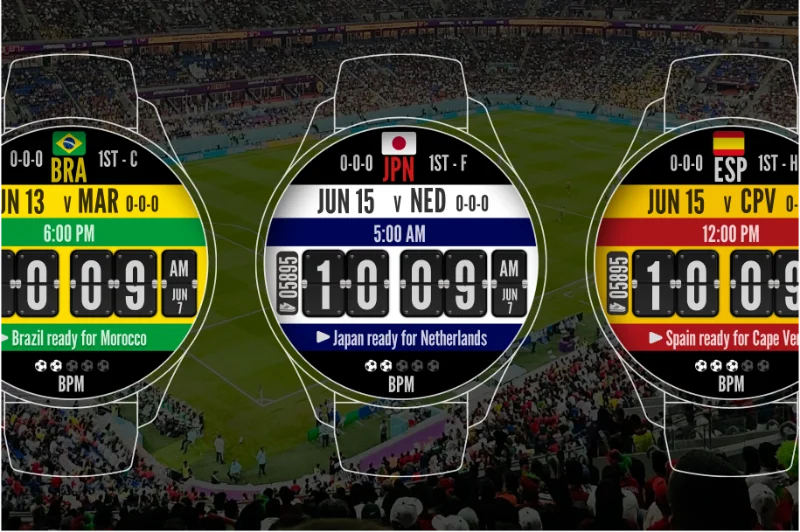
Set your favorite team
Pick your team and customize the display — make it your own.
More sports coming soonWatch face lineup
Choose the face that matches the sport you follow.
Watch faces marked “Paid members only” require a paid Facer membership (subscription). The fee is paid to Facer (Little Labs, Inc.) and is not charged by Citizen Watch / Riiiver.
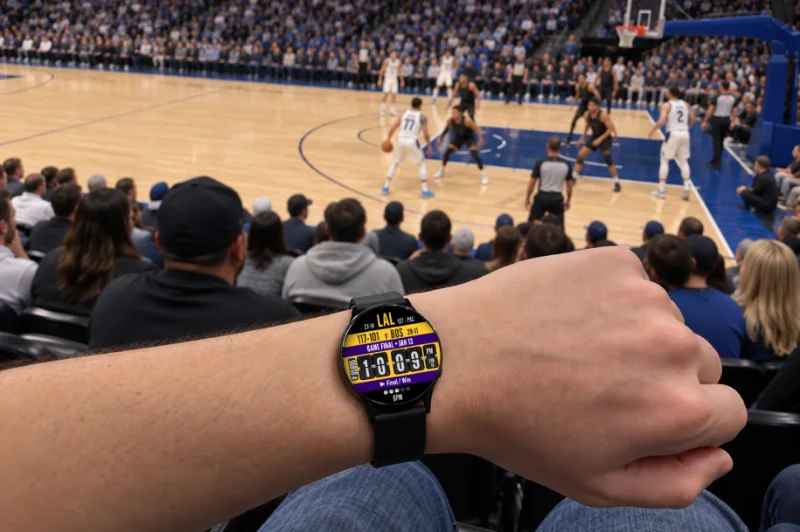
Basketball watch face🏀 Dunk it
Shows real-time information from NBA (National Basketball Association) games, right on your wrist.
Supported games
- Regular season
- Postseason (Playoffs and NBA Finals)
 Paid members only
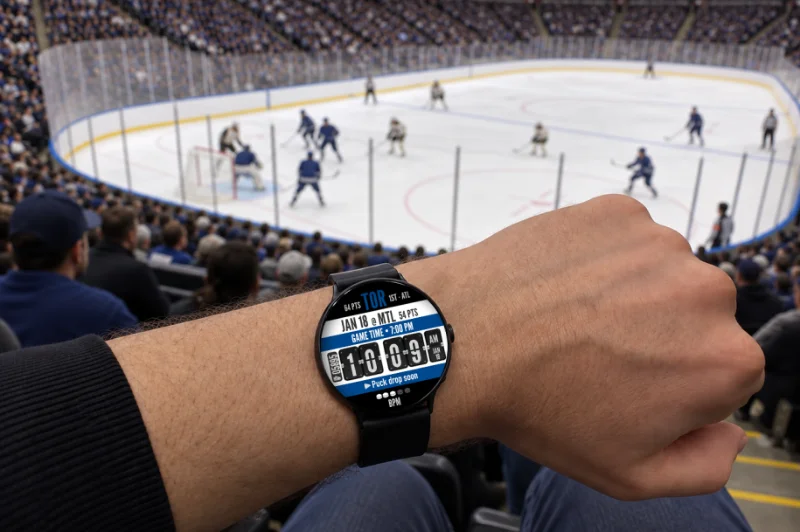
Ice hockey watch face🏒 Rip it
Shows real-time information from NHL (National Hockey League) games, right on your wrist.
Supported games
- Regular season
- Postseason (Stanley Cup Playoffs)
 Paid members only
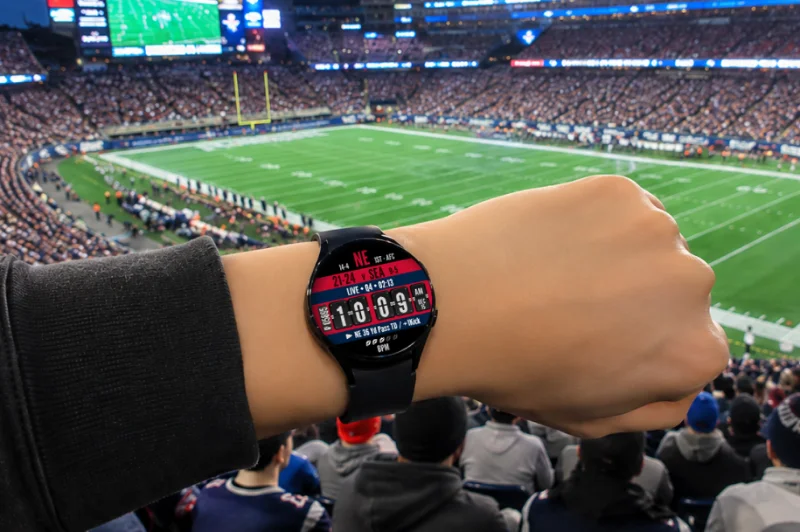
American football watch face🏈 Hike it
Shows real-time information from NFL (National Football League) games, right on your wrist.
Supported games
- Regular season
- Postseason (Super Bowl)
 Paid members only
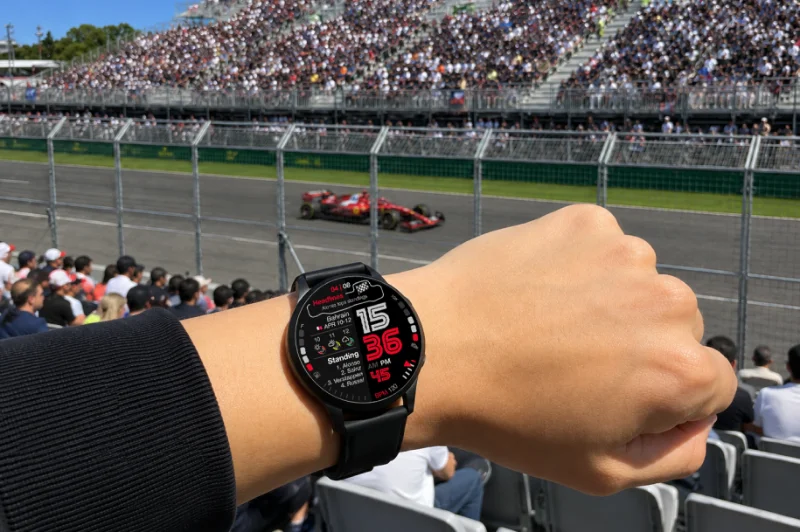
Motorsport watch face🏎️ Race it
Shows real-time information from F1 (Formula 1) races, right on your wrist.
Supported races
- Full season
- Free practice
- Qualifying
- Race
 Paid members only
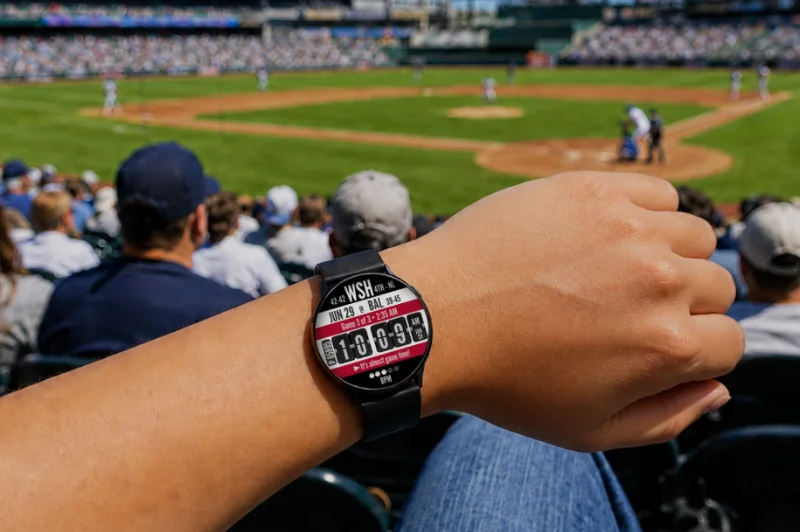
Baseball watch face⚾️ Hit it
Shows real-time information from MLB (Major League Baseball) games, right on your wrist.
Supported games
- Regular season
- All-Star Game
- Postseason
 Paid members only
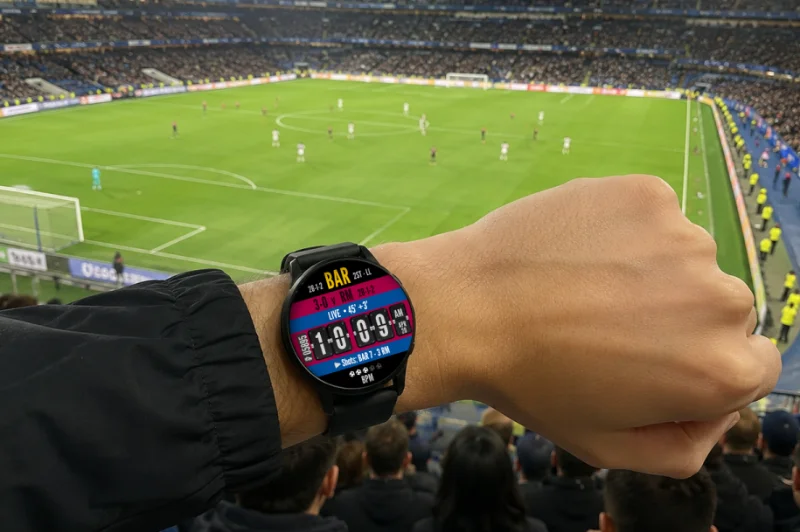
Soccer league watch face⚽️ Kick it
Shows real-time information from pro soccer leagues in 9 countries, right on your wrist.
Supported leagues: 9 countries
- EnglandPremier League
- SpainLa Liga
- GermanyBundesliga
- ItalySerie A
- FranceLigue 1
- ScotlandPremiership
- BrazilBrasileirão Série A
- USAMLS
- JapanJ1
FreeInternational soccer watch face🏆 Kick it
Shows real-time information from international soccer matches, right on your wrist.
Supported tournaments
- World Cup (2026)
- More international tournaments coming soon
Available with a free Facer account.
Try itGet started in just 3 steps
One app — the watch face app Facer*1. Add a face that supports Riiiver, complete a quick first-time setup, and you're ready to go.
*1 Facer is an app provided by Little Labs, Inc. (USA).
STEP 1
Install Facer app
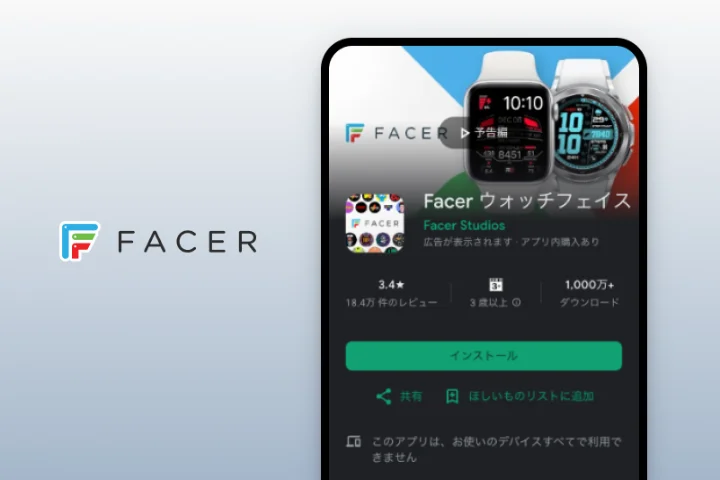
Install the Facer app from Google Play (Wear OS).
Compatible with smartwatches running Wear OS 6 or later.
STEP 2
Download a face
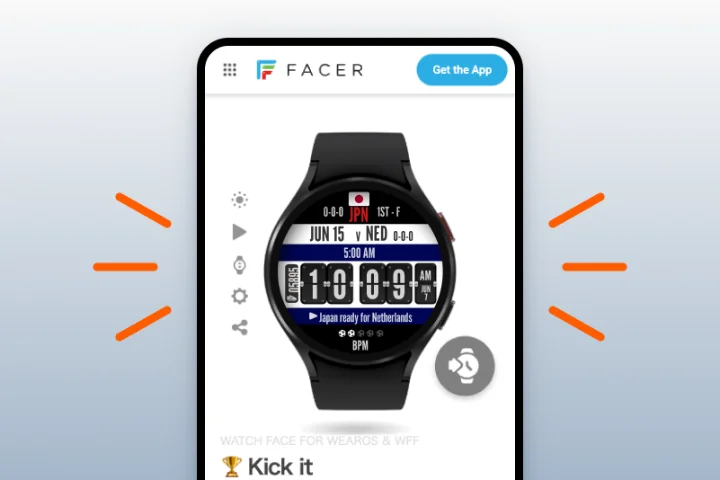
Choose a supported watch face, download it, and apply it to your watch.
Some watch faces require a paid Facer membership.
STEP 3
First-time setup
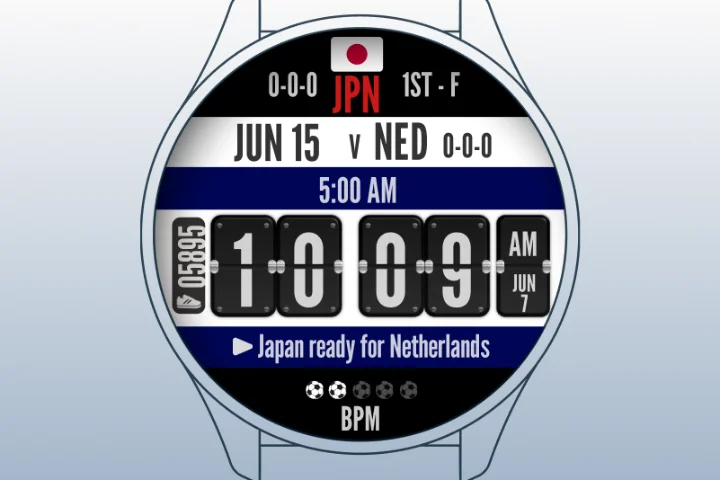
Just once, you'll need to create a Facer account and accept the Riiiver Terms of Service. Pick the team you support, and you're ready to go.
Install the Facer app
For Wear OS only



Frequently asked questions
Which devices are supported?
*Apple Watch is not currently supported.
Is there a cost?
The display isn't syncing or updating — what should I check?
Which countries can I use the watch face in?
What is Riiiver?
What is Facer?
How are Riiiver and Facer related?
Read the Facer news release for details.
View notes & disclaimers
- Any tournaments or leagues referenced here are mentioned for general explanation only and do not imply any partnership or official relationship. All names, logos, and marks belong to their respective owners.
- Accuracy and immediacy of displayed content are not guaranteed. Display may be delayed or interrupted depending on network and device conditions.
- Specifications and supported features are subject to change without notice.
- This service is provided in partnership with Facer (Little Labs, Inc.).
- Some watch faces require a paid Facer (Little Labs, Inc.) membership. Such fees are determined by and paid to Facer, not by us. The latest pricing and terms follow what is shown in the Facer app.
- "Facer" and all other company, product, and service names mentioned on this page are trademarks or registered trademarks of their respective owners.
For businesses
Riiiver is a platform that connects wearable devices with external services and IoT devices. If you're interested in building experiences with our API/SDK, feel free to get in touch.
Learn about Riiiver (API/SDK) →